Your 2 GB VPS did not fall over because of traffic. It fell over because Nextcloud, PostgreSQL, Redis, and a reverse proxy all booted at once, each assuming it was the only tenant on the box. The Linux OOM killer picked a victim at 03:14, and you spent the next morning reading dmesg instead of shipping anything.
Sizing is the least glamorous part of self-hosting and the one that decides whether your stack survives contact with reality. Below are the numbers that matter: what each project’s documentation actually requires, what it needs once you enable the features you bought the server for, and how to enforce those numbers with Compose limits so one runaway container cannot take down the other seventeen.
TL;DR — the 60-second verdict
If you are running a handful of lightweight services (Vaultwarden, Uptime Kuma, Caddy, Gitea), a 2 GB / 2 vCPU box is genuinely enough. If Immich or Jellyfin is in the stack, start at 8 GB and plan for storage growth, not CPU. If you are running mailcow, treat 6 GB as a floor, not a target — its own documentation says so. Everything else in between fits comfortably in 4 GB. The mistake almost everyone makes is sizing for the applications and forgetting the databases, caches, and reverse proxy that come with them, which together routinely add 1–2 GB.
The sizing table: 18 services, documented floor vs realistic number
“Minimum RAM” in a README usually means “the process starts.” It does not mean “the process is usable.” The table below separates the two, using vendor documentation as the floor and real deployment experience for the working figure.
| Service | Documented floor | Realistic working set | CPU | Disk driver | Star count (Nov 2026) |
|---|---|---|---|---|---|
| Nextcloud | 512 MB | 2–4 GB | 2 vCPU | user files + previews | 37,557 |
| Immich | 4 GB | 8–12 GB | 4 vCPU | photo/video originals + thumbnails | 119,622 |
| Gitea | 512 MB | 1–2 GB | 2 vCPU | Git objects + LFS | 59,163 |
| Grafana | 512 MB | 1 GB | 1 vCPU | time-series retention | 77,989 |
| Paperless-ngx | 1 GB | 2–4 GB | 2 vCPU | scanned PDFs + OCR cache | 48,324 |
| Vaultwarden | 128 MB | 256–512 MB | 1 vCPU | tiny (attachments grow slowly) | 70,995 |
| mailcow | 6 GB | 8–12 GB | 4 vCPU | mailboxes + search index | 13,843 |
| Jellyfin | 2 GB | 4–8 GB | 4 vCPU (transcodes) | media library | 59,537 |
| Home Assistant | 2 GB | 2–4 GB | 2 vCPU | recorder DB grows fast | 92,376 |
| n8n | 2 GB | 4 GB | 2 vCPU | execution history | 211,374 |
| Uptime Kuma | 128 MB | 256 MB | 1 vCPU | heartbeat history (prunes) | 94,624 |
| Wiki.js | 512 MB | 1 GB | 1 vCPU | page revisions | 29,333 |
| Authelia | 128 MB | 256 MB | 1 vCPU | negligible | 29,684 |
| Caddy | 64 MB | 128–256 MB | 1 vCPU | certificates only | 79,258 |
| Traefik | 64 MB | 128–256 MB | 1 vCPU | access logs (optional) | 65,602 |
| PostgreSQL 17 | 1 GB | 2–4 GB | 2 vCPU | WAL + heap + indexes | — (distro package) |
| Redis / Valkey | 128 MB | 512 MB–1 GB | 1 vCPU | in-memory only | — |
| MinIO | 512 MB | 1–2 GB | 2 vCPU | object storage, scales with data | — (AGPL, source-only distribution) |
Two columns are worth staring at: Immich and mailcow. Immich is not a photo browser; it is a photo pipeline. Its own documentation asks for 4 GB minimum and recommends more, because thumbnail generation, face detection, and video transcoding all run alongside the API. mailcow bundles Postgres, Redis, Dovecot, Postfix, Rspamd, ClamAV, and Solr — a 4 GB box will boot it, then quietly swap itself to death under spam filtering.
Decision matrix: pick a server size in ten seconds
| Your use case | Recommended hardware | Why |
|---|---|---|
| Password vault, uptime checks, reverse proxy, a wiki | 2 GB / 2 vCPU / 40 GB SSD | All four together idle under 700 MB |
| Git hosting, CI runner, small Postgres, monitoring | 4 GB / 2 vCPU / 80 GB SSD | Git + Postgres shared buffers + Grafana fit with headroom |
| Photo library, document archive, automation | 8 GB / 4 vCPU / 160 GB SSD | Immich and Paperless both spike during imports |
| Media server with transcoding | 8–16 GB / 4–8 vCPU, or a used mini PC with Quick Sync | Software transcodes eat cores; hardware transcode changes the math |
| Full mail server for a small domain | 8 GB / 4 vCPU / 80 GB SSD | mailcow plus its anti-spam stack |
| Everything above on one host | 32 GB / 8 vCPU, and stop pretending it is one host | You now need per-container limits, not hope |
Where the memory actually goes
Three multipliers explain almost every “my stack needs more than the docs said” surprise.
Workers multiply the base process. Gitea with 4 workers, Nextcloud with 8 PHP-FPM children, and Paperless with a 4-thread OCR queue each cost roughly per worker, not per service. A PHP-FPM child running Nextcloud typically holds 60–120 MB. Eight of them is a gigabyte before the database does anything.
Database caches want to be large. PostgreSQL’s default shared_buffers is small, but the moment you tune it to 25% of RAM — the usual advice — your database’s appetite scales with the host. On a 4 GB box, a 1 GB shared_buffers plus work_mem across concurrent queries is a real allocation, not a hint.
Media work is bursty and invisible. Thumbnailers, transcode jobs, and OCR workers allocate in spikes. Averages look fine; the 30 seconds after an upload does not. This is why sizing on docker stats averages fails and sizing on peaks works.
For a deeper look at the proxy layer that sits in front of all of this, see our reverse proxy management comparison. If you want to watch memory and uptime trends over time, the synthetic monitoring guide covers the alerting side, and PostgreSQL performance dashboards explains how to see what the database is doing with its share of RAM.
Immich: the service that punishes optimistic sizing
Immich is the clearest example of documented floors diverging from real usage, and it is worth walking through because the same pattern applies to Paperless and Jellyfin.
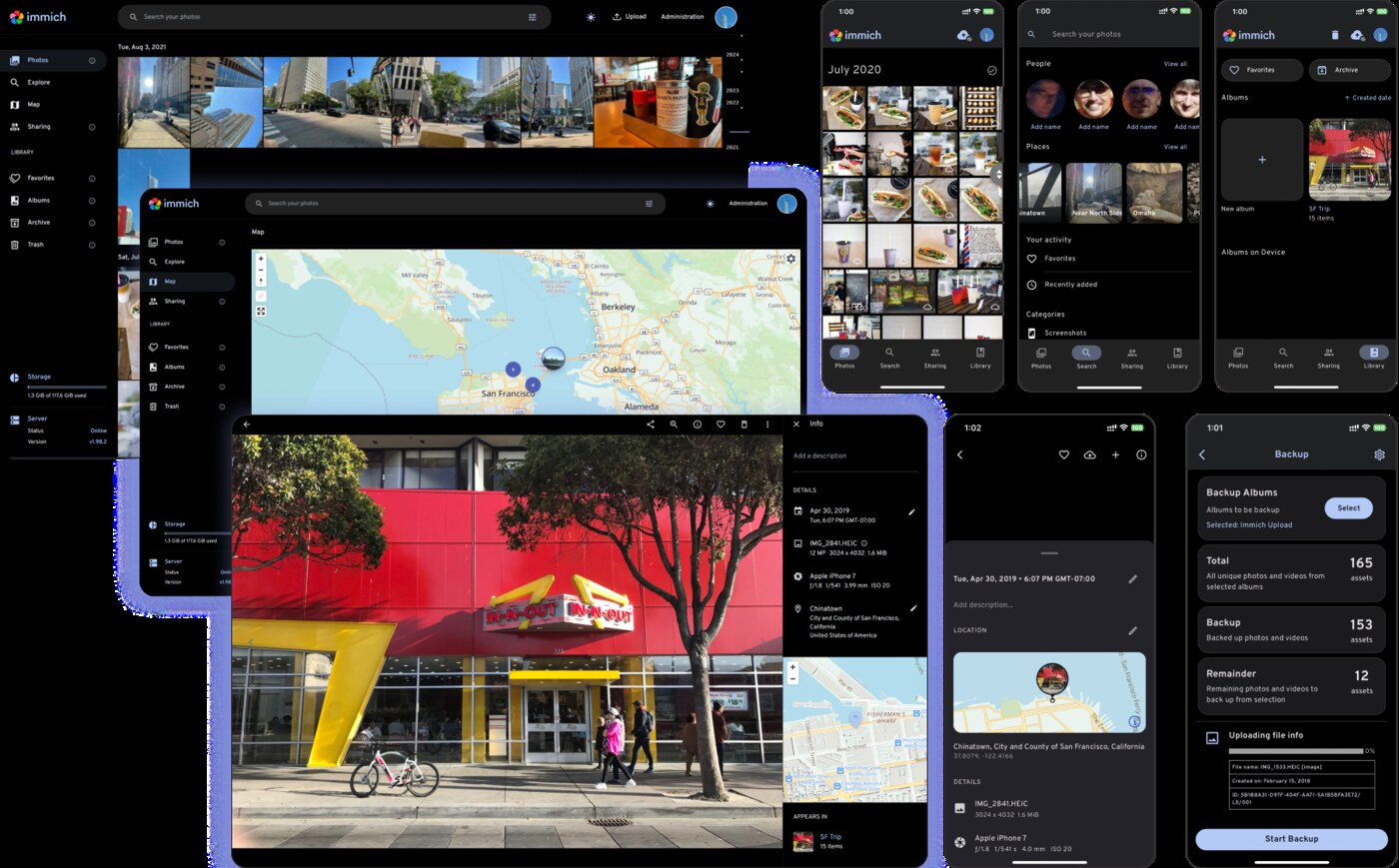
The API server itself is modest — a few hundred megabytes. The cost arrives with the background jobs: thumbnail generation, video transcoding, and the recognition pipeline. On an 8 GB host with 4 vCPU, a first import of 40,000 photos will happily saturate every core for hours and push resident memory past 6 GB. On a 4 GB host, that same import triggers the OOM killer, and the container restarts mid-job — repeatedly, because the job queue resumes and re-triggers the spike.
The fix is not “buy more RAM” alone; it is bounding the workers. Immich exposes concurrency controls, and Compose can cap the container so a runaway job kills itself instead of the host:
| |
Note shm_size: PostgreSQL parallel query workers need shared memory beyond Docker’s 64 MB default, and starving them is a classic cause of “the database is slow for no reason” on self-hosted installs.
n8n: a Node runtime with opinions about heap
Node services are a separate failure mode. The runtime reserves heap generously, garbage collection is lazy, and a workflow engine that holds execution data in memory grows in steps rather than curves.
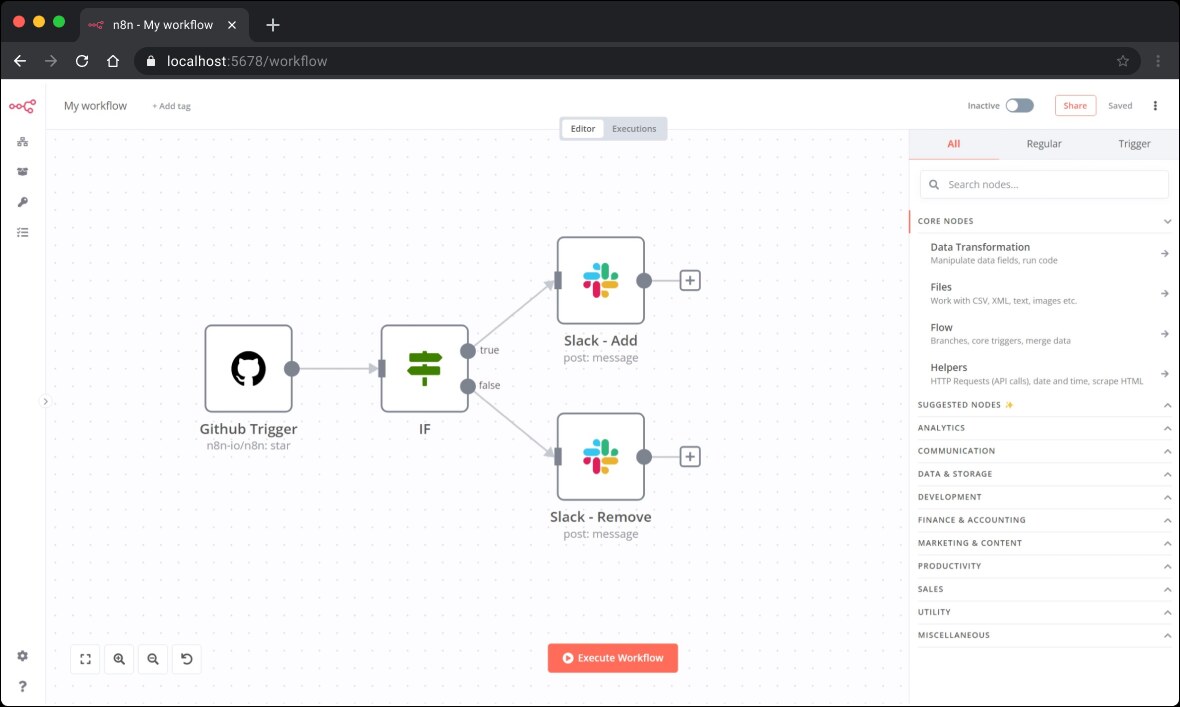
On a 2 GB host, n8n will start and run a few workflows, then die the first time a workflow branches over a large JSON payload. The documented floor is around 2 GB; the practical figure for anything with more than a handful of active workflows is 4 GB. Constrain it explicitly, and set the heap ceiling so the process fails fast with a clear error instead of being killed by the kernel:
| |
EXECUTIONS_DATA_PRUNE is not cosmetic. Execution history is the single largest table in most n8n installs, and it grows with every run of every workflow. Pruning it weekly is the difference between a 2 GB database and a 40 GB one eighteen months later.
Measuring what you actually use
Sizing without measurement is guessing with extra steps. Two commands cover most of it:
| |
Run the first during a realistic workload — an import, a backup, a transcode — not at idle. If a container’s peak sits within 15% of its limit, it is under-provisioned regardless of what the average says.
Pitfalls that cost people weekends
Setting limits without reservations. limits protects the host; reservations protects the service. A container with a 512 MB limit and no reservation gets scheduled like a 0 MB container and can be starved under contention.
Forgetting the reverse proxy and the database in the budget. These are always-on processes. Allocate 1–2 GB for the supporting cast before you divide the rest among applications.
Ignoring disk I/O as a sizing dimension. A 2 vCPU / 4 GB VPS with network-attached storage will bottleneck on fsync long before it runs out of RAM. PostgreSQL WAL writes and mail delivery are both latency-sensitive.
Treating swap as capacity. Swap converts an OOM kill into unpredictable latency. It is a cushion, not a plan. If a service routinely swaps, it is mis-sized.
Sizing once and never again. Photo libraries, mailboxes, and execution histories grow monotonically. Re-check docker stats peaks quarterly, or set an alert on host memory above 85% for an hour.
A sizing worksheet you can copy
Before you rent anything, write down the stack and add it up. This is the arithmetic that replaces intuition:
| |
If your total lands within 20% of a server size, buy the next size up. The cost difference between 4 GB and 8 GB is typically a few dollars a month; the cost of a migration at 2 a.m. is not.
FAQ
How much RAM do I need to run Docker Compose self-hosted services? For four to six lightweight services (reverse proxy, password vault, uptime monitor, Git host), 2 GB is workable. Add 2 GB for every database-backed application you enable, and 8 GB or more if photo management or media transcoding is involved.
Why does my container get killed when the host still shows free memory?
The kernel OOM killer acts on cgroup limits and on memory pressure, not on free -h alone. Page cache inflates apparent usage, and a container with a low limit can be killed while the host looks comfortable. Check docker inspect limits and dmesg OOM lines together.
Is 4 GB enough for Nextcloud with a database? Barely, for a single user. Nextcloud’s documented floor is 512 MB, but PHP-FPM workers, preview generation, and PostgreSQL together push a realistic install to 2–4 GB. A 4 GB host works if you cap worker counts and disable heavy preview generation.
Should I use swap on a self-hosted VPS?
Yes, as a safety cushion of 1–2 GB with vm.swappiness around 10, not as a substitute for capacity. Services that swap continuously will exhibit latency spikes and eventual OOM kills anyway.
How often should I re-check my sizing? Quarterly, and after any large import or new service. Peak memory during a real workload is the only reliable signal — idle averages hide the spikes that actually kill containers.
💰 想测试你的市场判断力?我用 Polymarket 做预测市场交易——这是全球最大的预测市场平台,从大选结果到技术监管时间线,什么都可以押注。和赌博不同,这是真正的信息市场:你懂的信息越多,胜率越高。我靠预测技术相关事件的走向已经赚了不少。用我的邀请链接注册:Polymarket.com