A default docker-compose.yml is a development artifact. It runs the container as root, gives it the full Linux capability set, mounts writable volumes, writes logs until the disk fills, and declares no health condition at all. That is fine on a laptop for an afternoon. On a server that runs unattended for three years, it is a blueprint for a 100% disk, a privilege-escalation path, and a service that “started” while its database was still initializing.
The gap between a homelab stack and something you would defend in a review is roughly twenty directives. None of them are exotic, all of them fit in the same file, and most take one line. Below is the checklist, the reasoning, and a complete Compose file that applies every item.
TL;DR — the verdict
If you adopt only five settings, adopt these: security_opt: no-new-privileges:true, cap_drop: [ALL], read_only: true with tmpfs, logging with max-size, and depends_on with condition: service_healthy. That combination removes the most common container escape primitives, prevents the disk-full outage that takes down more self-hosted servers than intrusions do, and stops the race where your application starts before the database accepts connections. Everything else on the list is refinement; these five are the floor.
The checklist: defaults versus hardened posture
| # | Setting | Compose default | Hardened value | What it prevents |
|---|---|---|---|---|
| 1 | user | root (uid 0) | explicit non-root uid:gid | Trivial in-container root, ownership damage on bind mounts |
| 2 | cap_drop | all capabilities | [ALL] | Raw sockets, CAP_SYS_ADMIN, mount abuse |
| 3 | cap_add | none | only what is required (NET_BIND_SERVICE) | Silent capability creep |
| 4 | security_opt | none | no-new-privileges:true | setuid binaries escalating privileges |
| 5 | read_only | writable rootfs | true + tmpfs for /tmp | Persistent payloads written into the image layer |
| 6 | tmpfs | none | /tmp, /run with noexec,nosuid | Executable droppers in temp directories |
| 7 | deploy.resources.limits.memory | unlimited | per-service ceiling | One container OOM-killing the host |
| 8 | deploy.resources.reservations | none | sane floor | Starvation under contention |
| 9 | pids_limit | unlimited | 100–500 by role | Fork bombs |
| 10 | ulimits.nofile | inherited | 1024–65536 by role | File-descriptor exhaustion cascades |
| 11 | logging.options.max-size | unlimited | 10m | Disk exhaustion from JSON logs |
| 12 | logging.options.max-file | unlimited | 3 | Same, slowly |
| 13 | healthcheck | none | test + interval + retries | Dead containers reported healthy |
| 14 | depends_on.condition | start order only | service_healthy | App booting before DB/TLS is ready |
| 15 | restart | no | unless-stopped | Silent post-reboot outage |
| 16 | init | false | true | Zombie processes, bad signal handling |
| 17 | stop_grace_period | 10s | 30–60s for databases | Corrupt files from SIGKILL mid-write |
| 18 | ports vs expose | published to 0.0.0.0 | bind to 127.0.0.1 or use expose | Services reachable around the proxy |
| 19 | networks | default bridge | dedicated internal: true networks | Lateral movement between stacks |
| 20 | image reference | :latest | pinned tag or digest | Unreviewed silent upgrades |
Decision matrix: how far you should go
| Context | Recommended posture | Rationale |
|---|---|---|
| Single-user homelab behind a VPN | Items 5, 7, 11, 13, 14, 15 | Removes disk-fill and start-order failures; exposure risk is already low |
| Public-facing services with a domain | All 20 | Anything reachable from the internet is a target |
| Multi-tenant or client workloads | All 20 plus digest pinning and per-tenant networks | Blast radius matters more than convenience |
| Database containers | Items 1, 5, 7, 9, 13, 17 | Graceful shutdown and file-descriptor headroom dominate |
| Throwaway test stack | Items 11, 14 | Keep it cheap; do not pretend it is production |
Privileges: drop everything, then add back
Running as root inside the container is not automatically a host compromise — but it removes every barrier between a container escape and a root shell. Always set user, and always start from cap_drop: [ALL].
| |
no-new-privileges is the single highest-value line in this article. It blocks setuid binaries from gaining privileges, which neutralizes a large class of post-exploitation tricks. Most services need exactly one capability — binding a port below 1024 — and even that disappears if you terminate TLS in a proxy and let the container listen on 8080.
Bind mounts deserve a warning: if a container runs as uid 0 and writes to a host directory, the files become root-owned. Running as 1000:1000 keeps ownership predictable and is why the “permission denied on my media folder” problem is usually a symptom of a container that was never told which user to be.
Filesystem and temp space
read_only: true turns the container’s root filesystem into a read-only layer. Anything the process legitimately needs to write must move to a volume or a memory-backed path.
| |
noexec on /tmp is not paranoia; it is the difference between a dropped binary being executable and being inert. Some applications need a writable /var/cache or /var/run — add a named volume for those specifically rather than reverting the whole rootfs to writable. If a service refuses to start read-only, docker diff after a normal run shows exactly which paths it touched, and that list is your volume map.
Resource limits: protecting the host, not the container
Compose v2 honors deploy.resources outside Swarm mode, and it is the correct place for these values.
| |
Two subtleties: pids under deploy.resources.limits and pids_limit at service level both work, but pick one for consistency; and CPU limits are throttles, not partitions — a container at its CPU ceiling gets slower, not blocked, which is usually what you want. For databases, raise nofile well above the default: PostgreSQL holds one descriptor per connection plus WAL segments, and hitting the ceiling produces confusing “too many open files” errors under load rather than a clean failure.
Logging: the outage nobody predicts
Docker’s default json-file driver has no size cap. A chatty container can produce tens of gigabytes in a week, and when /var/lib/docker fills, every container on the host starts failing writes at once. Two lines per service fix it permanently.
| |
That caps each container at roughly 30 MB of logs. If you need retention, ship logs to a collector and keep the local buffer small — a local buffer is for debugging the last hour, not for compliance.
Healthchecks and start ordering
depends_on without a condition only waits for the container to be created. The application then races the database and loses, usually with a connection-refused stack trace that looks like a configuration bug.
| |
start_period matters more than people expect: it tells Docker not to count failures during initialization, which is exactly when a database legitimately takes 20 seconds to accept connections. Without it, a slow first boot is misread as an unhealthy container and restart-loops.
init: true inserts a tiny init process as PID 1, which reaps zombies and forwards signals properly. stop_grace_period extends the SIGTERM window — 10 seconds is not enough time for PostgreSQL to checkpoint and exit cleanly, and the SIGKILL that follows is how databases get corrupted during routine docker compose down.
Secrets and network isolation
Environment variables are visible in docker inspect, in /proc/1/environ, and often in crash dumps. For anything that matters, use file-based secrets:
| |
Mounting a secret as a file (/run/secrets/db_password) keeps it out of the process environment. Pair that with a .gitignore that excludes secrets/ and you have removed the most common credential leak in self-hosted repositories.
For networking, stop publishing every port to 0.0.0.0. If a reverse proxy fronts the service, the app does not need a host port at all:
| |
internal: true gives the network no route to the outside world. Combine three networks — proxy (proxy plus public-facing apps), internal (apps plus databases), and egress (apps that need outbound access) — and you have segmented the stack without a single firewall rule.
The proxy layer: where TLS and headers live
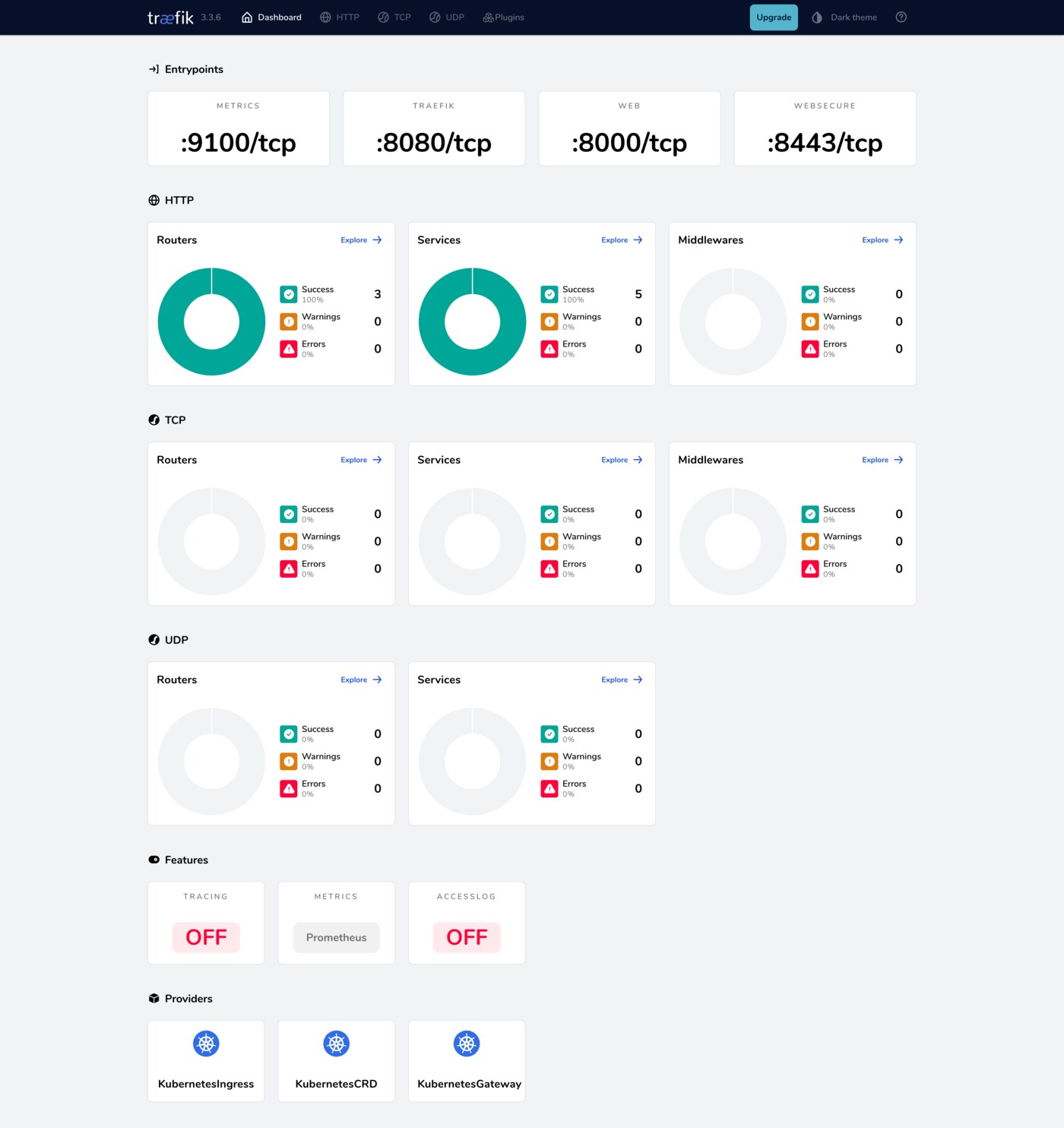
Terminating TLS in the proxy and speaking plain HTTP on an internal network simplifies every other decision in this article. Traefik (65,602 stars, actively developed) discovers containers through labels and handles certificate issuance automatically; Caddy (79,258 stars) does the same with a shorter configuration and secure defaults out of the box.
| |
Note exposedbydefault=false: without it, any container on the host becomes publicly routed the moment it starts. Mounting the Docker socket read-only still grants significant power — restrict it to the proxy container alone and consider a socket proxy if you want to close that gap entirely.
Updates: the last unhardened surface
image: app:latest with an auto-updater means an unreviewed build can replace a working service at 4 a.m. Watchtower (24,582 stars) has been effectively dormant — its last push was December 2025 — so treat it as a stopgap rather than infrastructure. Pin tags, read changelogs, and update deliberately.
| |
If you want automation, prefer pull requests over direct replacement: let a bot open a diff, then deploy on your schedule. That converts a silent breakage into a reviewable change.
Pitfalls worth knowing before you apply all twenty
Read-only breaks more than you expect. Applications that write lock files, caches, or PID files into their install directory will fail immediately. Fix with targeted volumes, not by reverting read_only.
user: can break bind mounts. If the host directory is owned by uid 1000 and the image expects uid 33 (www-data), you get permission errors. Check the image’s documented user before overriding it.
Compose ignores some settings on old versions. deploy.resources requires Compose v2. Verify with docker compose version; v1 users silently get no limits at all.
Healthchecks can lie. test: ["CMD", "true"] is not a healthcheck. Use a real endpoint or protocol probe — pg_isready, redis-cli ping, or an HTTP status check on /healthz.
Dropping capabilities breaks ICMP and raw sockets. Ping-based monitoring containers need NET_RAW. Add back exactly that, and only for the containers that require it.
Log rotation is per container, not per stack. Every service needs the logging block; there is no global default in Compose. Set it once in a shared anchor if you use YAML anchors, or repeat it.
For the TLS layer in more depth, our mutual TLS comparison covers client certificates across the same proxies. If you prefer managing stacks from a web UI, see the Compose management UI comparison, and for the single sign-on piece that replaces per-service logins, read Authelia, Dex and Kanidm compared.
FAQ
Is privileged: true ever acceptable in a hardened stack?
Rarely. It disables nearly every isolation boundary and should be treated as a red flag in any compose file you inherit. If a service demands it, look for the specific capability it actually needs and grant that instead.
Does read_only: true work with databases?
Yes, if the data directory and any socket directory are mounted as writable volumes. PostgreSQL, MySQL, and Redis all run fine read-only once their data path, /run, and /tmp are provided explicitly.
Why does my container exit with “permission denied” after I set user?
The image’s files are often owned by a different uid than the one you specified. Either match the documented uid or adjust ownership on the mounted volumes with chown. Never fix it by switching back to root.
Should I mount the Docker socket into Traefik or Caddy?
Only into the proxy, and only read-only. A container with socket access can control every other container on the host, so keep it isolated on the proxy network and never expose it externally.
How do I know a hardening change did not break a service?
Check three things after each change: the container is healthy in docker ps, the application’s own health endpoint returns 200 through the proxy, and docker logs shows no write-permission errors. Roll back one directive at a time rather than the whole file.
💰 想测试你的市场判断力?我用 Polymarket 做预测市场交易——这是全球最大的预测市场平台,从大选结果到技术监管时间线,什么都可以押注。和赌博不同,这是真正的信息市场:你懂的信息越多,胜率越高。我靠预测技术相关事件的走向已经赚了不少。用我的邀请链接注册:Polymarket.com