You install Neovim 0.11, open it, and get a blinking cursor and nothing else. No file tree, no completion, no fuzzy finder, no LSP. That blank screen is the reason nearly 70,000 people have starred one of three preconfigured Neovim distributions instead of writing their own init.lua from scratch.
But the three big ones are not interchangeable. They differ in how you extend them, how they update, how much of your config you actually own, and — critically — how painful it is to leave. This guide installs all three, measures what they actually ship, and tells you which one to pick for your workflow.
TL;DR: Quick Verdict
- Pick LazyVim if you want an IDE out of the box but insist on owning your config. Its
lua/plugins/override model and:LazyExtrastoggles are the least invasive way to get 80% of an IDE with 100% of your own files. - Pick NvChad if startup speed and a consistent visual identity matter more to you than plugin breadth. It is the leanest of the three (the maintainer targets 0.02–0.07s startup) and its base46 theme engine is the best-looking default here.
- Pick AstroNvim if you want a stable, versioned API and a curated community plugin registry. It is the only one of the three that pins a semver major (
^6) and treats your config as an import list.
If you are brand new to modal editing entirely, none of these is your first stop — read our Helix vs Neovim vs Kakoune comparison first, then come back.
Comparison Table
| LazyVim | NvChad | AstroNvim | |
|---|---|---|---|
| GitHub stars | 27,689 | 28,514 | 14,457 |
| License | Apache-2.0 | GPL-3.0 | GPL-3.0 |
| Minimum Neovim | 0.11.2 (LuaJIT) | 0.11 | 0.11+ (not nightly) |
| Plugin manager | lazy.nvim | lazy.nvim | lazy.nvim |
| Config model | Override plugin specs in lua/plugins/ | Import base modules + chadrc.lua | Import list with import = |
| Extras system | :LazyExtras (language packs, DAP, tests) | Manual per-plugin specs | AstroCommunity imports |
| Theme engine | Any colorscheme plugin | base46 (compiled, ~70 themes) | Heirline + any colorscheme |
| Versioning | Rolling + lazy-lock.json | v2.5 release line | Semver major (^6) |
| Forks | 1,830 | 2,214 | 943 |
| Last push | 2026-09-08 | 2026-07-03 | 2026-10-16 |
The star counts are close enough that popularity should not decide this for you. NvChad has more forks, AstroNvim has the freshest commit, and LazyVim sits in the middle on both — a decent proxy for how much each project optimizes for “fork it and make it yours” versus “pin it and forget it.”
Decision Matrix: Pick by Workflow
| Your situation | Use | Why |
|---|---|---|
| You maintain dotfiles and want small, readable diffs | LazyVim | Your entire customization lives in lua/plugins/*.lua; the distro itself is read-only |
| You switch languages weekly and want toggles, not config | LazyVim | :LazyExtras enables/disables language packs without editing files |
| You work over SSH on a 4-core VPS and notice every 100ms | NvChad | Leanest plugin set and compiled themes; fastest cold start of the three |
| You want one visual identity across machines and terminals | NvChad | base46 themes are compiled and applied consistently, including transparency |
| You run a team with pinned tooling versions | AstroNvim | version = "^6" is enforced by lazy.nvim, so upgrades are deliberate |
| You want a community marketplace of ready plugin bundles | AstroNvim | AstroCommunity is a real import registry, not a wiki page |
| You want maximum plugin ecosystem without writing specs | LazyVim | Largest plugin set is enabled by default and documented per-plugin |
LazyVim: The IDE You Can Still Own
LazyVim’s pitch is “the best of both worlds” — a preconfigured setup that you extend by adding plugin specs rather than by forking the distro. It requires Neovim 0.11.2 built with LuaJIT and Git 2.19 or newer for partial clones, plus a C compiler for nvim-treesitter.
Install it from the official starter:
| |
There is also an official throwaway Docker path if you want to test it without touching your machine:
| |
Customization is a file drop. Every file under lua/plugins/ is auto-loaded by lazy.nvim, so a colorscheme swap is a single new file with no edits to the distro:
| |
The real differentiator is :LazyExtras, an in-editor menu that turns on curated bundles — language packs, debugging, test runners, formatting — by writing those specs into your config for you. In practice this is what keeps LazyVim users from accumulating a 900-line init.lua: you toggle, then read the generated file and learn the pattern.
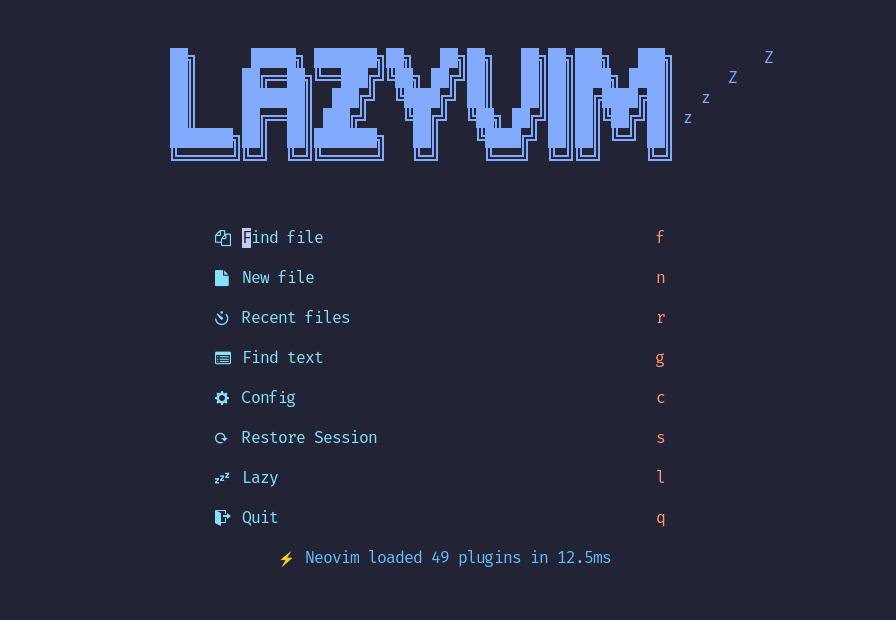
Where it hurts: the defaults are opinionated and wide. A fresh install pulls a large plugin set on first launch, and if you dislike a default keymap you have to find the spec that sets it. Because releases are rolling, two machines can drift unless you commit lazy-lock.json — which you should.
NvChad: Speed and Visual Consistency First
NvChad is the most focused of the three. Its maintainer describes it as a base configuration with a polished UI and startup time “around 0.02 secs ~ 0.07 secs” — and the plugin list reflects that target. Requirements are Neovim 0.11, a Nerd Font (avoid the Mono variants if you want correctly sized icons), tree-sitter-cli, GCC and Make, with ripgrep optional for Telescope grep.
The install is one line, because NvChad itself is consumed as a plugin by its starter repo:
| |
After lazy.nvim finishes downloading, run both of these inside Neovim:
| |
Skipping those two commands is the single most common “NvChad is broken” report — you get a UI with no language servers and no syntax parsers, not because anything failed but because the starter deliberately does not bundle them.
Themes are the reason many people stay. base46 compiles themes ahead of time instead of recoloring at runtime, and chadrc.lua is where you change it — including transparency, which most Neovim setups handle badly:
| |
NvChad’s UI modules are documented under :h nvui, and they are genuinely well factored: the file tree, tabufline and statusline all read from the same theme table, so a single change propagates. That coherence is worth more than it sounds when you maintain the same config on a laptop and a remote box.
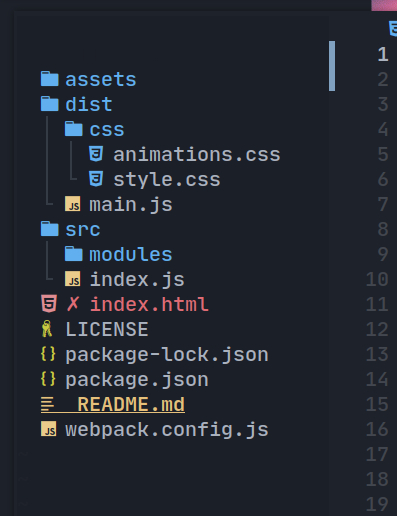
Where it hurts: NvChad is deliberately smaller than LazyVim, so you will write more plugin specs yourself. Its release cadence is slower (v2.5 line, last push 2026-07-03) and its docs assume you already know how lazy.nvim import works. It is a fantastic base and a poor hand-holder.
AstroNvim: Versioned, Curated, Team-Friendly
AstroNvim is the one that behaves most like a dependency. You install a template, then declare AstroNvim/AstroNvim with version = "^6" — meaning lazy.nvim will not silently pull a breaking major. That single line is why teams standardize on it.
| |
| |
The generated init.lua is essentially an import list, and this is the file you actually edit:
| |
AstroCommunity is the underrated part: it is a real repository of plugin bundles you import by path, covering language packs, colorschemes, and tooling. Rather than copying someone’s config from a blog post, you add one import line and inherit a maintained spec — and remove the line to undo it.
Defaults are modern and unremarkable in the best sense: Neo-tree for files, Blink.cmp for completion, Tree-sitter for parsing, Heirline for the statusline. Requirements include Neovim 0.11+, a clipboard tool, ripgrep for live grep, lazygit for the git UI, and optionally the Tree-sitter CLI.
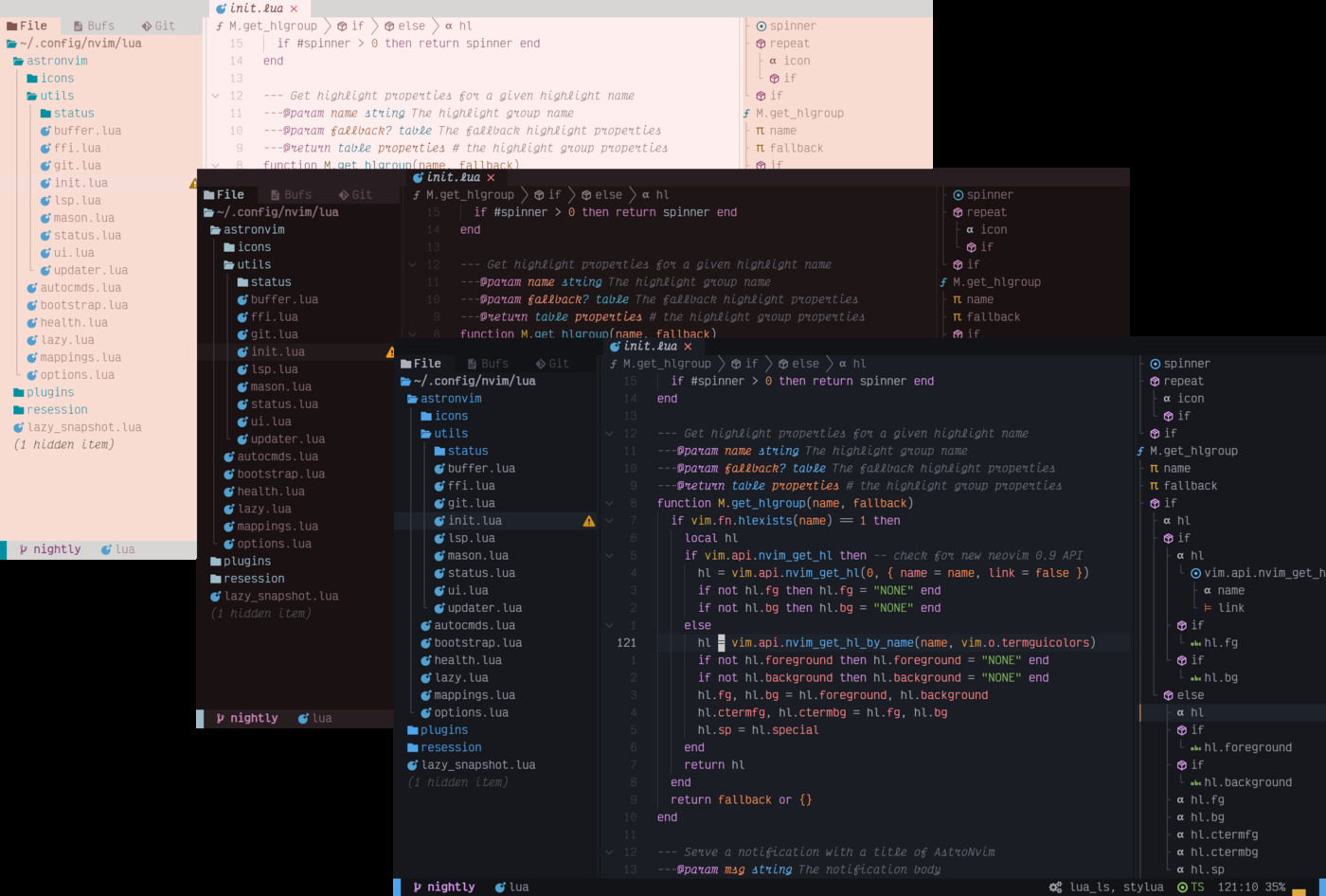
Where it hurts: the import-based model is excellent until you need to override one option inside someone else’s spec — then you are reading AstroCommunity source to find the exact table shape. And because the whole thing is pinned, you can end up on an older plugin set than a rolling distro would give you. That is the trade you are explicitly making.
Startup Performance: What the Numbers Actually Mean
Claimed startup times are the most misleading spec in this entire category. A distro that starts in 40ms but loads no language server will feel slower in real editing than one that starts in 120ms with everything warm.
Measure it yourself before believing any table, including mine:
| |
Then check what is actually loading late:
| |
Three things dominate real-world startup complaints, and none of them is the distro’s core:
- Treesitter parsers compiling on first open of a new filetype — one-time cost, but it looks like a hang.
- LSP servers starting eagerly for languages you open once a month — fix with
lazy = trueand filetype events in your own spec. - Theme recompilation after a base46 or colorscheme change — again one-time, again mistaken for slowness.
Migration and Coexistence Pitfalls
Moving between distributions is where people destroy a weekend. The failure modes are predictable:
Never layer one distro on another. git clone of a starter into an existing ~/.config/nvim leaves both init.lua files and two plugin directories fighting over the same runtimepath. Back up ~/.config/nvim, ~/.local/share/nvim and ~/.local/state/nvim before switching — NvChad’s own uninstall instructions remove all three for exactly this reason.
Commit your lockfile. LazyVim and AstroNvim both resolve plugins through lazy.nvim. Without lazy-lock.json in version control, “it worked yesterday” is unfalsifiable. With it, :Lazy restore reproduces a machine exactly.
Install language servers outside the distro. Mason manages them, not LazyVim/NvChad/AstroNvim. A fresh clone plus :MasonInstallAll is the minimum viable setup for NvChad; for LazyVim the equivalent is :Mason plus the relevant :LazyExtras pack.
Fix the font before judging the UI. All three assume a Nerd Font. Without one you get tofu boxes and will conclude the theme is broken. In terminals like WezTerm or Ghostty, set the font in the terminal, not in Neovim — see our terminal emulator comparison for the per-terminal setting.
Do not fight the defaults in week one. Every distro has a keymap you will hate. Live with it for a week, then check whether it is a which-key group you can remap in one place. Rewriting defaults early is how configs become unmaintainable.
Keep the toolchain reproducible across machines. If your dotfiles repo also pins language runtimes, pair the Neovim config with a version manager — our mise vs asdf vs direnv guide covers the reproducible-environment side of that problem.
FAQ
Is LazyVim faster than NvChad?
No, and it is not trying to be. NvChad ships a smaller default plugin set and compiles its themes, so it typically wins cold-start measurements. LazyVim loads more by default and uses lazy-loading events to compensate. On modern hardware both start well under a quarter second; the difference is measurable but rarely the reason to choose one.
Can I use my existing init.lua with these distributions?
Not directly. All three take over init.lua and expect configuration through their own structure — lua/plugins/ for LazyVim, chadrc.lua plus imports for NvChad, an import list for AstroNvim. You can usually port individual settings into the distro’s options module, but pasting a hand-written config on top produces duplicate plugin specs and confusing overrides.
Do I need a Nerd Font?
Practically, yes. All three render icons for filetypes, git status and diagnostics. Without a patched font you will see empty boxes. Install any Nerd Font and select it in your terminal emulator; the Mono variants work but render icons slightly smaller.
Which one is best for a team or a shared workstation?
AstroNvim, because of version = "^6". Pinning a semver major through lazy.nvim makes upgrades explicit and reviewable in a pull request. LazyVim can be pinned too, but it is a rolling-release project, so you are opting into a workflow the maintainers do not primarily test.
How do I uninstall a distribution cleanly?
Remove three directories: ~/.config/nvim, ~/.local/share/nvim and ~/.local/state/nvim. NvChad’s documentation lists all three plus the Flatpak equivalents. Leaving ~/.local/share/nvim behind is what causes “I uninstalled it and it still starts with the old theme” reports.
Are these distributions only for programmers?
No. NvChad and LazyVim are both used for prose, config files and log triage — markdown linting, YAML schemas and grep-heavy work all benefit from LSP and Telescope. If you mostly edit text, disable the heavier language packs and keep the picker, treesitter and git integration.
💰 想测试你的市场判断力?我用 Polymarket 做预测市场交易——这是全球最大的预测市场平台,从大选结果到技术监管时间线,什么都可以押注。和赌博不同,这是真正的信息市场:你懂的信息越多,胜率越高。我靠预测技术相关事件的走向已经赚了不少。用我的邀请链接注册:Polymarket.com