Every frontend developer has felt the same pain: you write a stylesheet, it grows to 4,000 lines, nobody dares delete a class, and your page weight creeps toward 300 KB of CSS nobody can explain. Utility-first CSS was supposed to fix that — and it did, which is why Tailwind CSS now has 97,151 stars and is effectively the default way people style web apps in 2026. But the ecosystem has fractured into three very different philosophies: Tailwind CSS (the full framework), UnoCSS (the instant on-demand engine), and Open Props (the no-framework token library). They are not three versions of the same thing — they are three different answers to “how should CSS be organized?” — and this guide will show you which one fits your project.
TL;DR: If you want the safest choice with the biggest ecosystem, existing component libraries, and you don’t mind a build step — pick Tailwind CSS v4. If you already know Tailwind but want it faster, with dynamic class names and better IDE responsiveness on huge projects — pick UnoCSS (it runs Tailwind’s own preset). If you want zero build step, zero classes, and just want well-designed design tokens as CSS custom properties — pick Open Props. Tailwind is the default; UnoCSS is the performance upgrade; Open Props is the escape hatch.
Quick Comparison: Tailwind vs UnoCSS vs Open Props
| Dimension | Tailwind CSS | UnoCSS | Open Props |
|---|---|---|---|
| GitHub stars | 97,151 | 18,916 | 5,491 |
| License | MIT | MIT | MIT |
| Last push (2026) | Aug 07 | Aug 10 | Jan 31 |
| Core idea | Utility classes framework | On-demand atomic CSS engine | Design tokens as CSS variables |
| Config location | CSS-first (@theme) | uno.config.ts | CSS @import |
| Build step | Required (Vite/PostCSS) | Required (Vite/PostCSS) | None |
| Browser support | Modern + legacy modes | Modern | All CSS-variable browsers |
| Generated CSS size | Purging-based | Only what’s used (on-demand) | All tokens (if you import all) |
| Dynamic class names | No (safelist needed) | Yes | N/A |
| IDE plugin | Official extension | VSCode extension | None needed |
| Version (2026) | v4.x | 66.x | 1.x |
Use Case Decision Matrix
| Use Case | Recommendation | Why |
|---|---|---|
| New SaaS app, team already knows Tailwind | Tailwind v4 | Best docs, best components ecosystem, fastest onboarding |
| Monorepo with 50+ pages and slow builds | UnoCSS | On-demand generation keeps CSS and build times flat as the app grows |
| Server-rendered site, no JS build pipeline | Open Props | Drop in a <link>/@import and start using tokens immediately |
| Design system / component library maintainers | Open Props | Tokens as CSS variables compose with any framework, including Tailwind |
| You need Tailwind classes at runtime (dynamic) | UnoCSS | SafeList-free dynamic matching is a first-class feature |
Tailwind CSS v4 — The Default Choice, Now CSS-First
Tailwind CSS needs almost no introduction: it is the most-starred CSS framework on GitHub at 97,151 stars (last push August 7, 2026) and the default styling answer for React, Vue, and Svelte teams. Version 4, released in early 2025, was a genuine rewrite: the engine is now written in Rust (the Oxide project), configuration moved into CSS, and the build pipeline is dramatically faster — Tailwind v4 can process entire apps in milliseconds, which is why the old PostCSS plugin was replaced by a native Vite plugin:
| |
| |
| |
The v4 rewrite modernized the color system (oklch colors by default), made the default border color a subtle gray instead of the old hard black, and introduced @theme as the single source of truth for design tokens. For the vast majority of teams, this is the right call: the ecosystem (Tailwind UI, shadcn/ui, headless component libraries) assumes Tailwind, and hiring a developer who doesn’t know Tailwind in 2026 is like hiring one who never used flexbox. The screenshot below shows the official docs’ own CSS grid demo — this is the kind of layout Tailwind makes almost trivial:

The trade-offs are real: the generated CSS is purged based on statically detectable class names, so dynamic class construction like bg-${color}-500 silently produces nothing unless you use a safelist; and the config-as-CSS migration broke a lot of old tailwind.config.js workflows that relied on extend objects. If you are upgrading from v3, budget a day for the migration — more if you use obscure plugins.
UnoCSS — The Instant On-Demand Engine
UnoCSS (18,916 stars, last push August 10, 2026) is what happens when you take Tailwind’s class syntax and make it instant. Created by Anthony Fu, it is not a framework but an engine: it scans your source files, generates only the atomic CSS your project actually uses, and does it fast enough that the Vite HMR feels like it does nothing at all. The project’s own benchmark shows it processing hundreds of files in tens of milliseconds — in practice, on large codebases, it removes the “wait for Tailwind to rebuild” problem entirely.
The genius move is preset compatibility: UnoCSS ships a presetWind (and the older presetUno) that implements the Tailwind-compatible class syntax, so existing Tailwind classes like flex, mt-4, and hover:bg-red-500 work unchanged. You get Tailwind’s API with UnoCSS’s engine:
| |
| |
Where UnoCSS genuinely beats Tailwind is dynamic and runtime values. Tailwind needs a safelist for classes assembled at runtime; UnoCSS scans the actual values, so grid-cols-${n} or even text-[${color}] works without configuration. It also adds features Tailwind doesn’t have: shortcuts for composition (shown above), attributify mode (<div flex mt-4> becomes attributes), variant groups (hover:(bg-red-500 text-white)), and pure-CSS icons via presetIcons that render SVG icons with zero JavaScript. There is even a transformer-directives plugin that gives you Tailwind-style @apply inside your own CSS.
The downsides: UnoCSS’s ecosystem of prebuilt components is thinner (Tailwind UI assumes Tailwind), its docs are more terse and assume you already know Tailwind semantics, and the preset-compat layer means you are one version behind Tailwind’s newest features (v4’s @theme is not the same as UnoCSS’s theme config). UnoCSS is the right pick when Tailwind’s build performance or its static-analysis constraints are your bottleneck — not when you want the largest ecosystem.
Open Props — Design Tokens Without a Framework
Open Props (5,491 stars, last push January 31, 2026) is the contrarian answer: no classes, no build step, no purging — just a meticulously designed library of CSS custom properties that encode the design decisions you’d otherwise make yourself. Sizes (--size-fluid-1 through --size-fluid-5), colors (a full oklch-based palette), shadows (--shadow-1 through --shadow-5), easing curves, fluid type scales, aspect ratios, and even keyframe animations — all as plain CSS variables you can use anywhere.
Installation is a single line, with zero tooling:
| |
Then you style with the tokens directly:
| |
Note the media queries: Open Props ships named media queries (--motionOK, --motionReduce, --dark) as custom media syntax, so accessibility-minded animation gating becomes declarative. The token set is genuinely well thought out — the fluid type scale uses clamp() internally, so var(--font-size-fluid-1) scales with viewport automatically. The screenshots below come from the official open-props.style site and show the token-driven component demos:
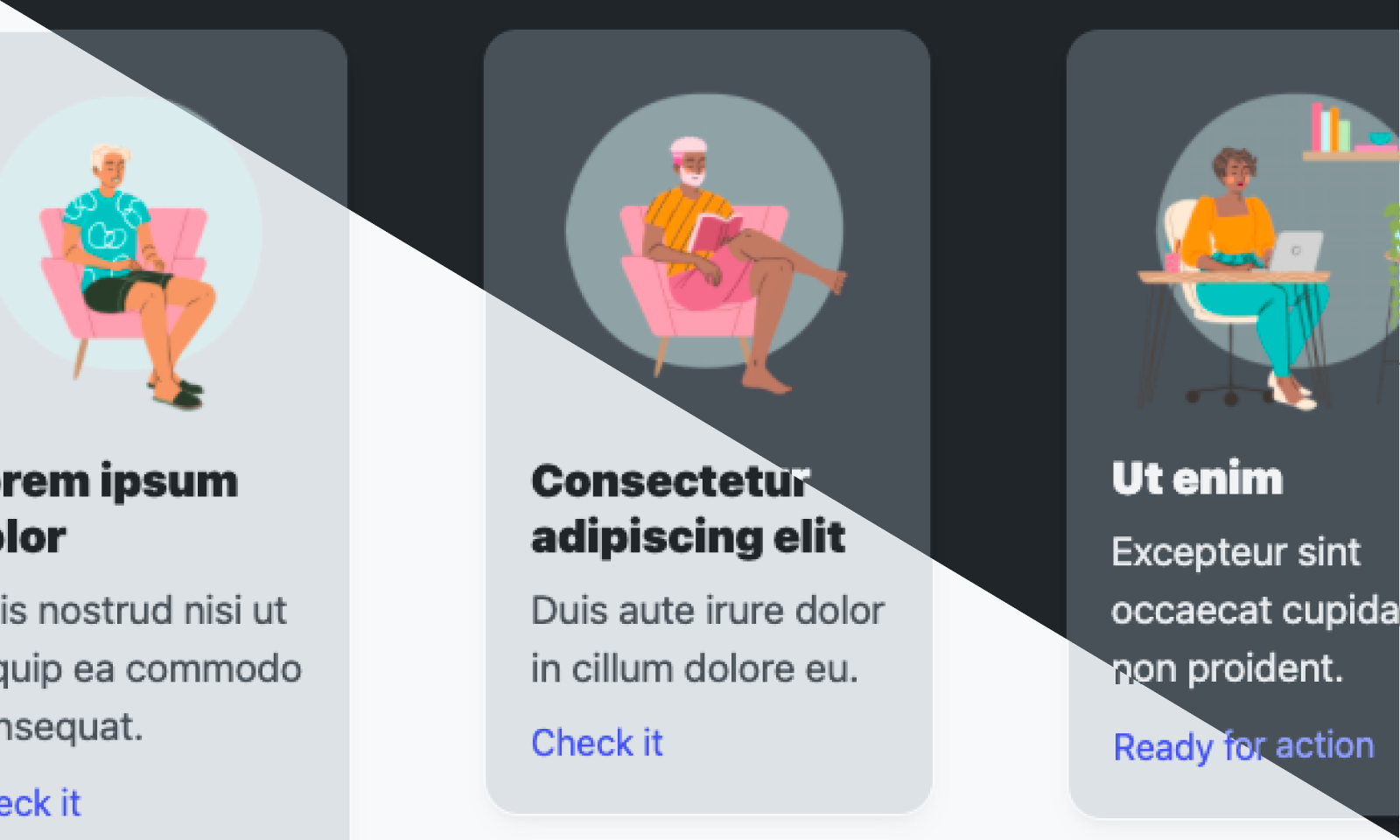
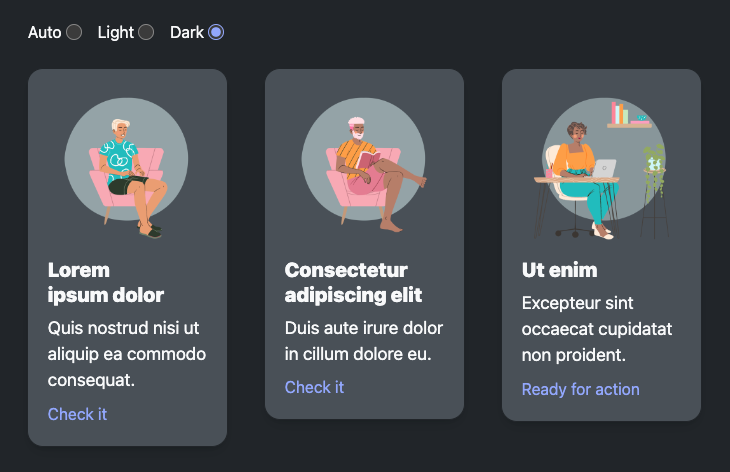
The trade-offs are the mirror image of Tailwind’s strengths. There is no utility class system, so markup stays verbose unless you also adopt a utility layer (many teams use Open Props as the token layer under Tailwind or UnoCSS — it composes perfectly, since custom properties are just values). There is no purging: importing the full library pulls every token, though subpath imports (open-props/colors, open-props/sizes, etc.) keep bundles lean. And because it is a token library rather than a framework, you are responsible for your own class naming discipline — Open Props gives you great materials, not a house.
Pitfalls and Migration Notes
Tailwind v4 migration traps. The move from tailwind.config.js to @theme in CSS breaks: custom colors referenced in JS, extend-based theme augmentation, and any plugin that reads the JS config. The default border color changed (from gray-200 to currentColor-adjacent gray), so screenshots and designs shift subtly. Most importantly, dynamic class names still fail: class={"p-" + size} needs safelist or a full class string. If you use @apply heavily, v4’s cascade layers can produce “Cannot apply unknown utility class” errors for classes defined inside @layer.
UnoCSS pitfalls. Because generation is on-demand, anything not matched by your source scan is silently absent — check include/exclude globs when classes “randomly” don’t render, and use content-style configuration for files outside the source tree (markdown files, CMS templates). The attributify mode conflicts with HTML attributes like disabled; use preflights carefully. And remember: presetWind tracks Tailwind semantics, so cutting-edge Tailwind v4 features arrive in UnoCSS with a delay.
Open Props pitfalls. Importing everything (@import "open-props") adds roughly 60 KB of unminified tokens — use subpath imports for production. The custom media queries (--motionOK) require modern browser support or a postcss preset; on older browsers they silently stop matching, so pair with a fallback. And because there are no classes, a junior team can produce inconsistent markup — establish component classes early or combine with a utility engine.
Mixed-strategy migration. The cleanest 2026 pattern is layered: Open Props as the token source of truth, UnoCSS (or Tailwind) as the utility layer that consumes var(--size-*) tokens via shortcuts/@theme, and a few hand-written component classes on top. This gives you tokens that survive framework changes — migrate the utility engine later without touching your design system.
Why This Choice Actually Matters
Your CSS architecture is the thing every feature touches, so the cost of picking wrong compounds over years. Tailwind v4 is the safe default with the largest ecosystem and the fastest rewrite in its history — the right call for most product teams, and the migration path from v3 is well documented. UnoCSS is the upgrade for performance-constrained or dynamic-class-heavy codebases, and it can adopt Tailwind’s syntax so the team barely notices the swap. Open Props is the framework-agnostic foundation that outlives whatever JS framework you choose next — and the only one of the three that works with zero build tooling, which makes it a natural fit for static sites like the ones we cover in our static site generator guide. If you are pairing a utility engine with a component approach, our React form libraries comparison and the modern bundler roundup cover the adjacent tooling you will need. Whichever you pick, decide once, document the decision, and let the tokens — not the class soup — carry your design system.
FAQ
Is UnoCSS a drop-in replacement for Tailwind?
For the vast majority of class usage, yes — presetUno/presetWind implements Tailwind’s class syntax, so flex, grid, p-4, md:flex, and hover: all work. What does not transfer is Tailwind’s config format (UnoCSS uses uno.config.ts) and Tailwind-specific plugins. Most teams migrate by swapping the Vite plugin and fixing config.
Does Tailwind v4 still need a config file?
No — configuration moved into CSS via the @theme directive. tailwind.config.js still works in compatibility mode, but the documented path is CSS-first: @import "tailwindcss" plus @theme { ... } for your custom tokens.
Can I use Open Props with Tailwind together?
Yes, and it is a popular pattern. Import Open Props for the token layer, then map its variables into Tailwind’s @theme (e.g., --color-brand: var(--indigo-5)) or use them directly in component classes. Custom properties compose with anything.
Which one produces the smallest CSS bundle? UnoCSS, because generation is strictly on-demand — it emits exactly the classes found in your source, nothing else. Tailwind v4’s Rust engine purges unused classes but still ships its preflight and any theme defaults you reference. Open Props ships all imported tokens, so use subpath imports to keep it small.
Do I need a build step for any of these?
Open Props: no — a plain @import from a CDN or npm works in any CSS pipeline, including none. Tailwind and UnoCSS: yes, both require a bundler integration (Vite, PostCSS, or CLI) to generate their utility CSS.
Which is best for a static site or a Hugo blog? For a static site with no JS build pipeline, Open Props is the path of least resistance. If you want utility classes on a static site, UnoCSS’s CLI or Tailwind’s standalone CLI can generate a CSS file at build time and you commit the output — our static site generator comparison shows where that fits.
Is Tailwind v4’s Rust engine really faster? Measurably yes — the Oxide rewrite compiles typical projects in tens of milliseconds and eliminates the PostCSS dependency. UnoCSS remains faster still on very large codebases because it scans rather than parses, but for most projects the difference is no longer perceptible.
Which has better tooling for dynamic class names?
UnoCSS, unambiguously — dynamic matching is a core feature. Tailwind requires safelist entries or fully spelled-out class strings for anything constructed at runtime.
💰 想测试你的市场判断力?我用 Polymarket 做预测市场交易——这是全球最大的预测市场平台,从大选结果到技术监管时间线,什么都可以押注。和赌博不同,这是真正的信息市场:你懂的信息越多,胜率越高。我靠预测技术相关事件的走向已经赚了不少。用我的邀请链接注册:Polymarket.com